Score it. Film it. Stream it.
Choose a phone or a PC to bring the picture and scores together. Both send the finished broadcast straight to YouTube.
Option 01 · Android
Your phone does the filming.
Play-Cricket Scorer sends each ball’s score from your iPad to the Android phone. The OwzThat app adds the score to the phone’s camera picture and streams it to YouTube.
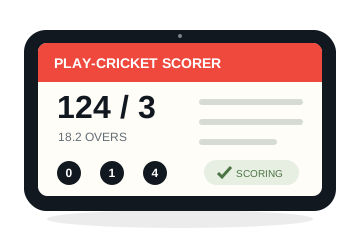
Play-Cricket Scorer
Score the match on your iPad.
Bluetooth
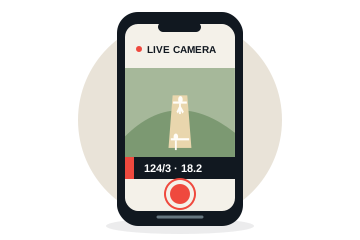
Android phone
The OwzThat app films the action and adds the live score.
via internet
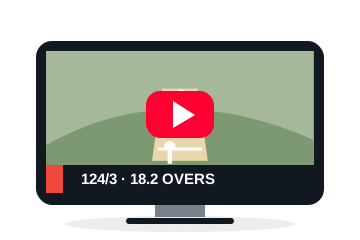
YouTube
Viewers watch the match and live scores on your club’s channel.
Option 02 · PC + OBS
A dedicated camera. A polished broadcast.
Your iPad sends the scores to the OwzThat PC bridge. A high-quality camera feeds the picture into the PC, where OBS combines it with sound and the live scoreboard before streaming to YouTube.
Play-Cricket Scorer
Score the match on your iPad.
Bluetooth
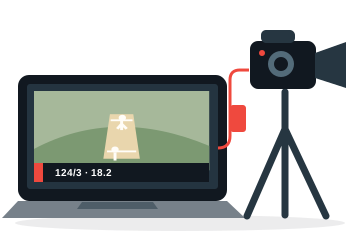
PC + camera
OBS and the OwzThat Bridge bring the camera, sound and scores together.
via internet
YouTube
Viewers watch the match and live scores on your club’s channel.
One club portal. Two broadcasting options. Your YouTube channel.
Read the setup guide →